
iPhone & iPad Utility
PDF Go
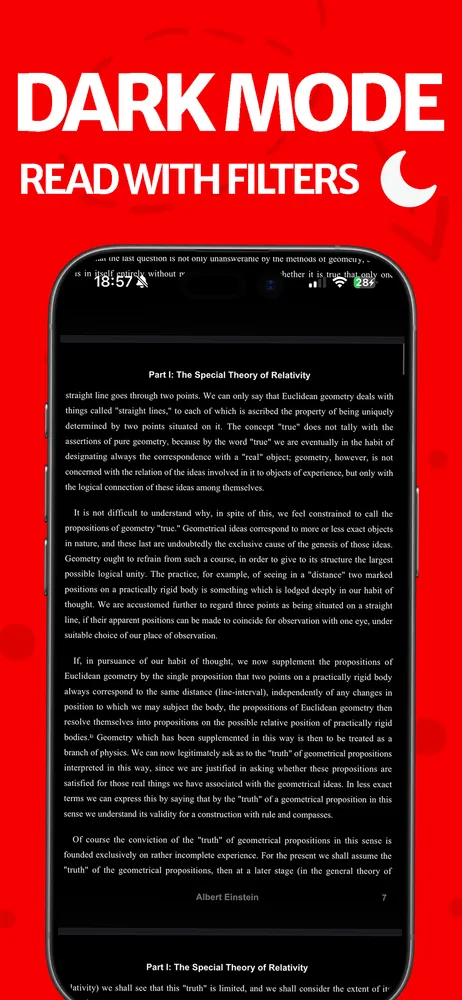
PDF Go lets you view, annotate, sign, and manage PDFs entirely on your iPhone or iPad — import from Files, organize into folders, and get documents signed without printing anything.
Everything you need to work with PDFs, on your phone
Full PDF library
Import from Files or photos, organize into folders, search, sort, and favorite the ones you use most.
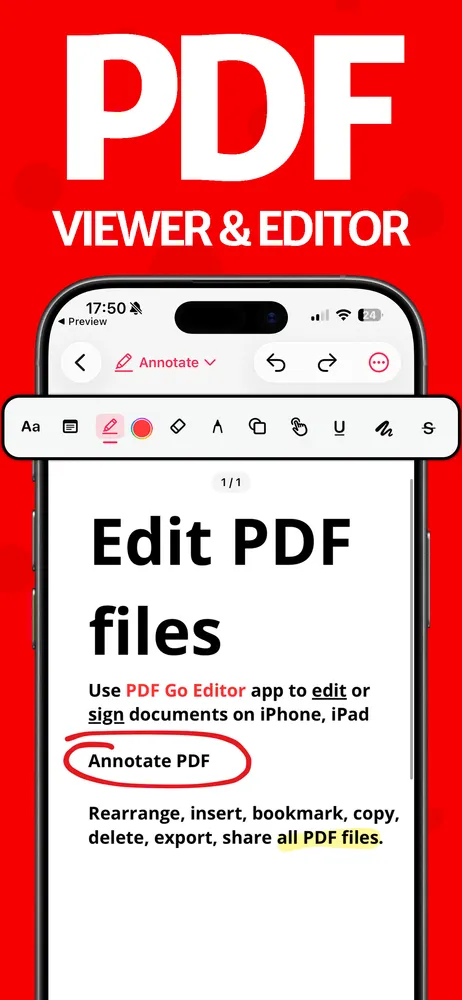
Annotate & draw
Highlight, sticky notes, freeform drawing, shapes and arrows — with undo/redo and autosave.
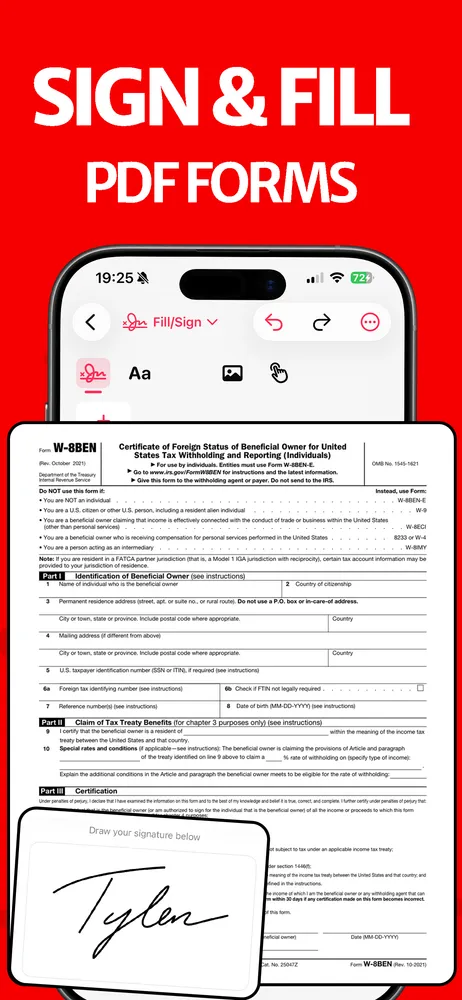
Fill & Sign
Saved signatures, typed text, stamps, and image placement — sign a document without printing it.
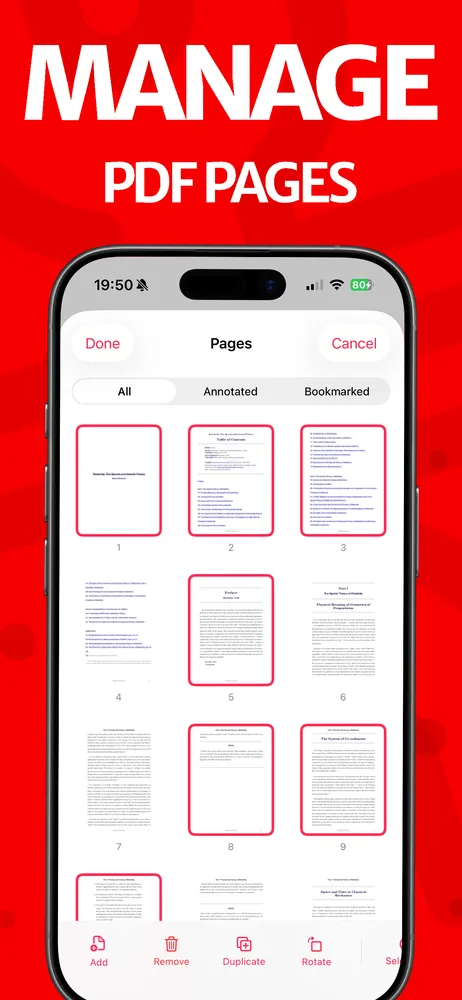
Page manager
Reorder, merge, bookmark, and filter pages by whether they're annotated.
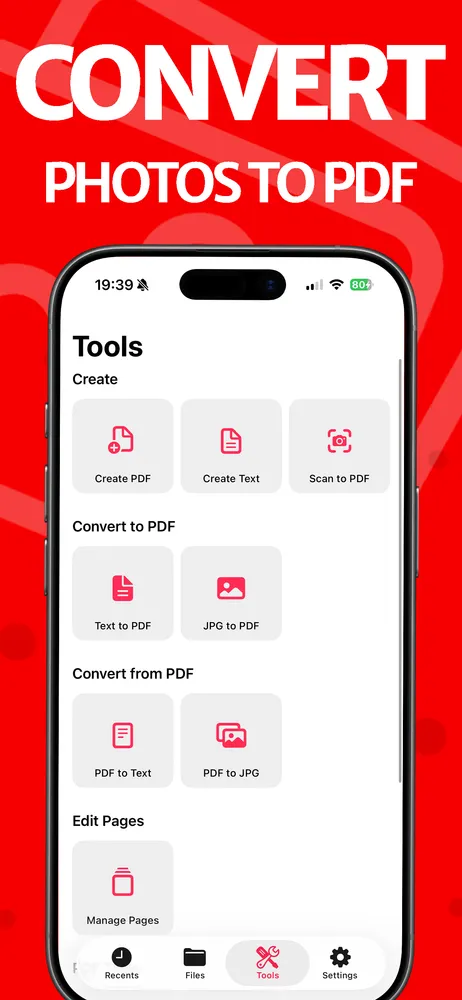
Create PDFs
Turn photos or typed text into a brand new PDF from scratch.
Local + iCloud storage
Your library stays synced across your iPhone and iPad automatically.


